My Family Photo Toolkit.
A practical reference for parents who want to protect, organize, and preserve the photos that matter most — the tools, services, and structure I rely on myself.


The 3-2-1 Backup Plan.
Three total copies of your photos.
Your primary collection plus two separate backups. Anything less than three and a single bad day can wipe out a decade.
Two different types of media.
One on an external drive, one in the cloud. Never keep both backups on the same kind of device — that way, if one fails, the other isn't likely to go down with it.
One copy stored off-site.
A cloud backup, a drive at a sibling's house, a safety deposit box. At least one copy of your photos must live somewhere your home does not.
Before you organize, clean up.
Apple Photos Duplicate Finder
Start here before downloading anything. Apple Photos has a built-in duplicate detection tool under the Utilities menu in the sidebar. A good free first pass.
Photos app · sidebar › UtilitiesSlidebox
Swipe left or right to quickly sort through your photos, Tinder-style. Simple, satisfying, and surprisingly effective on a backlog of thousands.
apps.apple.com/slideboxGemini 2
Scans your computer for duplicate photos and files. Especially useful if your photo collection has spread across multiple folders or external drives over the years.
macpaw.com/geminiThe 30-minute rule
Set a timer. Sort 30 minutes a week, not 8 hours once a year. The system you actually keep up with beats the perfect one you abandoned in March.
Storage & hard drives.
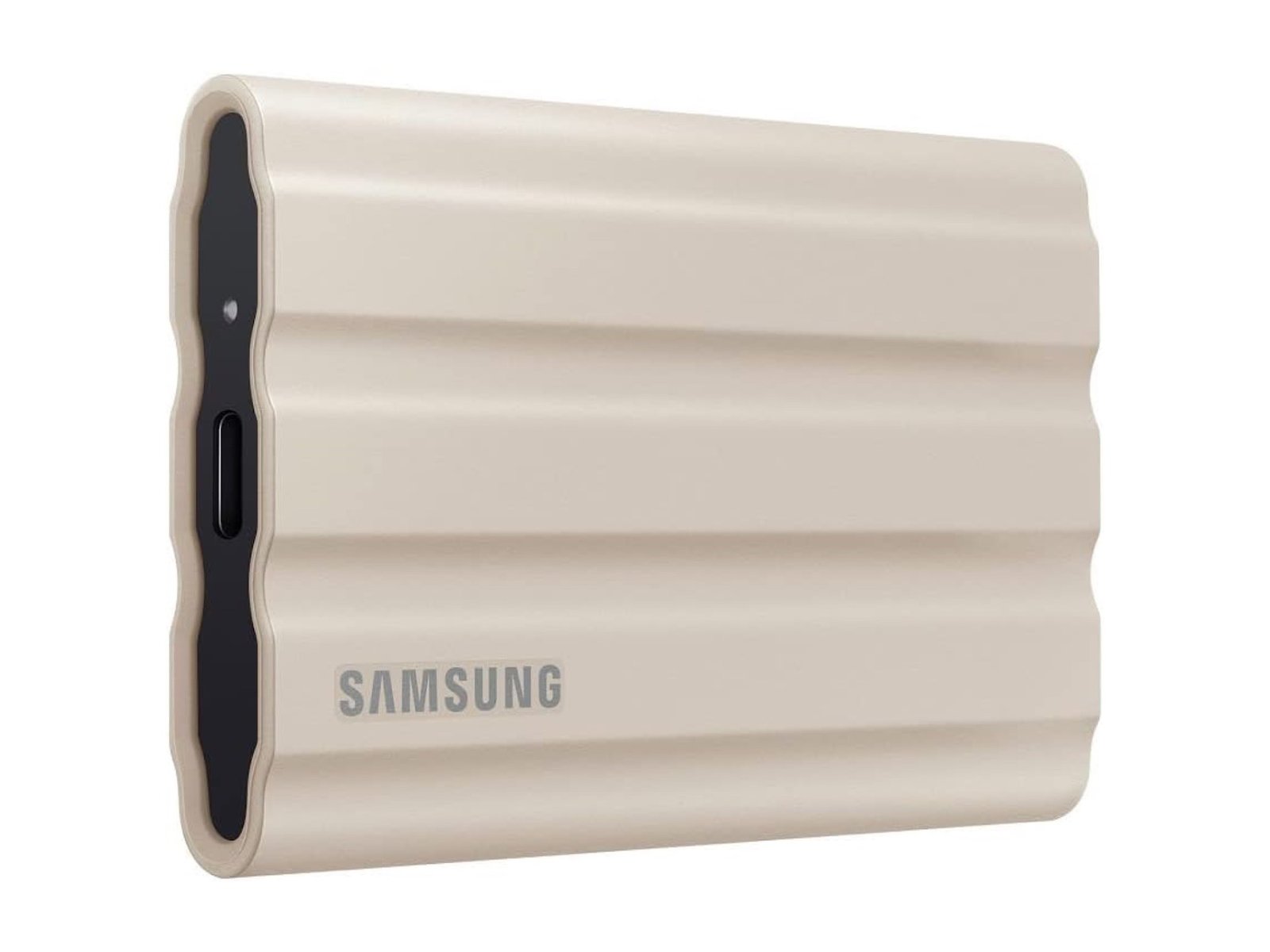
Samsung T7 Shield 2TB
Small, portable, and fast. A solid choice if you want something you can slip into a bag, leave at a parent's house, or rotate between locations easily.
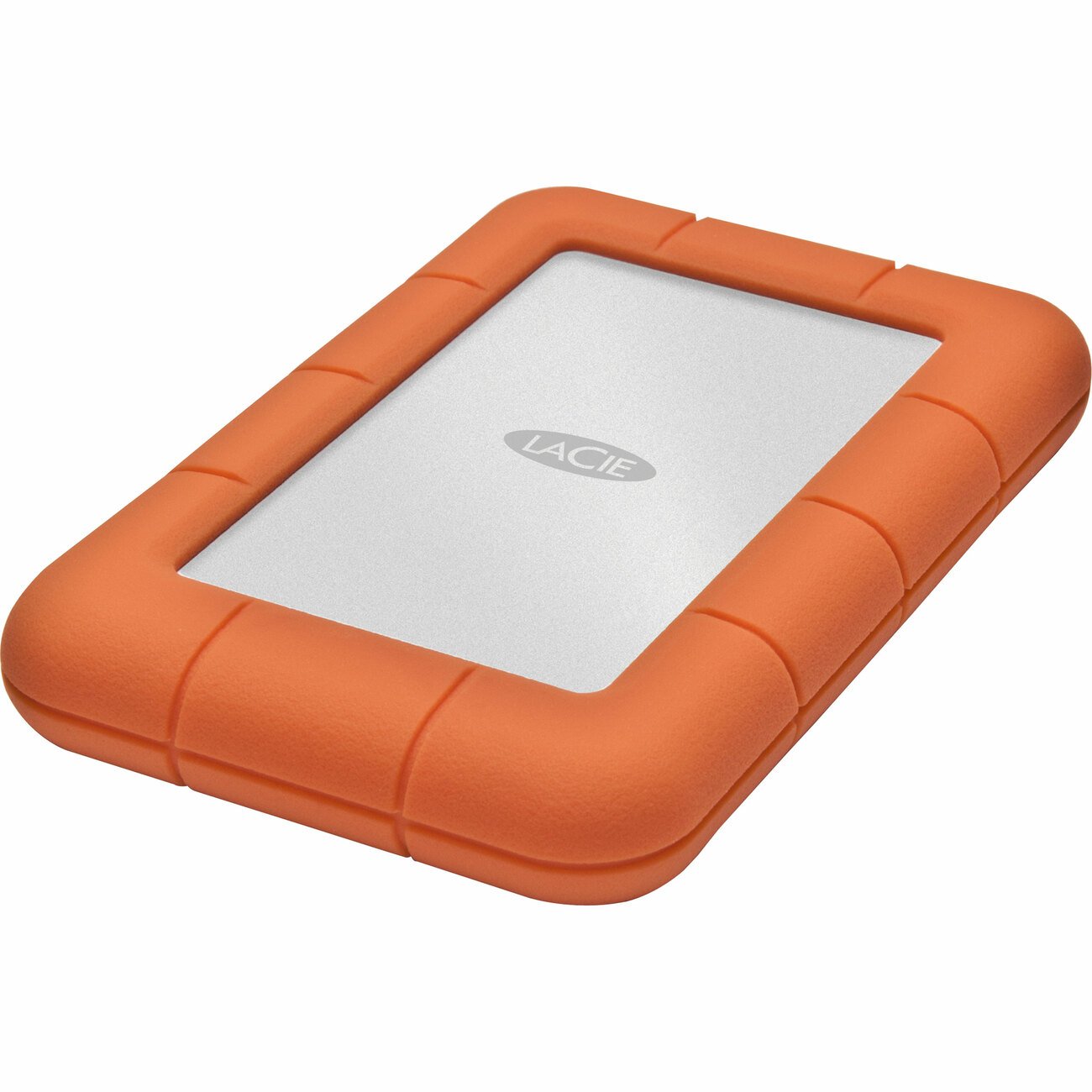
LaCie Rugged 2TB
Larger than the Samsung but built to handle drops, dust, and rough conditions. A reliable workhorse for the drive that lives on your desk.
Backup solutions.
iCloud Photos
As noted in section 01, iCloud is a sync service, not a true backup. That said, it does provide a minimum level of protection if your iPhone is lost, stolen, or stops working. A reasonable starting point while you set up a proper backup system.
apple.com/icloudBackblaze
Unlimited cloud backup for your computer for $99 a year. One of the most cost-effective ways to get a true off-site backup running automatically in the background. Set it up once and it runs on its own.
backblaze.comAuthor's stack: Apple Photos as primary → LaCie Rugged as local backup → Backblaze as off-site. Three copies, two media, one off-site. Done.
Photo printing services.
Shutterfly
Affordable pricing with acceptable quality. Best for everyday prints, holiday cards, mugs, and photo gifts. The dependable workhorse of the four.
shutterfly.comNations Photo Lab
Higher quality prints at a higher price point. Worth it if quality matters to you, especially for framing or gallery walls.
nationsphotolab.comPrintique
Similar quality and pricing to Nations. Another strong option for professional-grade prints — alternate between them depending on price and turnaround.
printique.comArtifact Uprising
Premium quality with beautiful album options. Their newborn baby albums in particular are exceptional. The choice for milestone prints you want to last.
artifactuprising.comPrinters for home use.
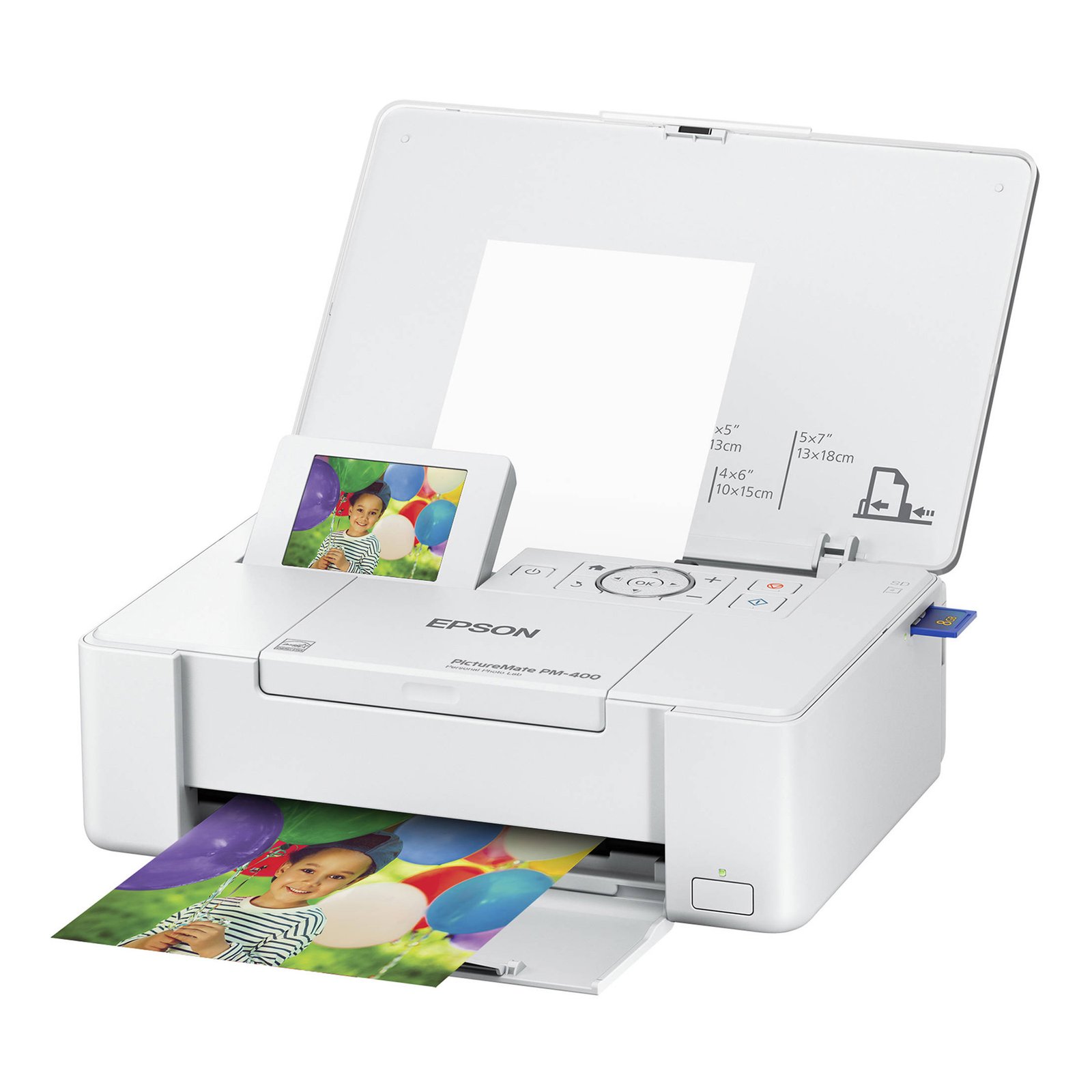
Epson PictureMate PM-400
Produces high quality prints up to 5×7. Compact, easy to load, and quiet enough to live on a shelf in the living room.
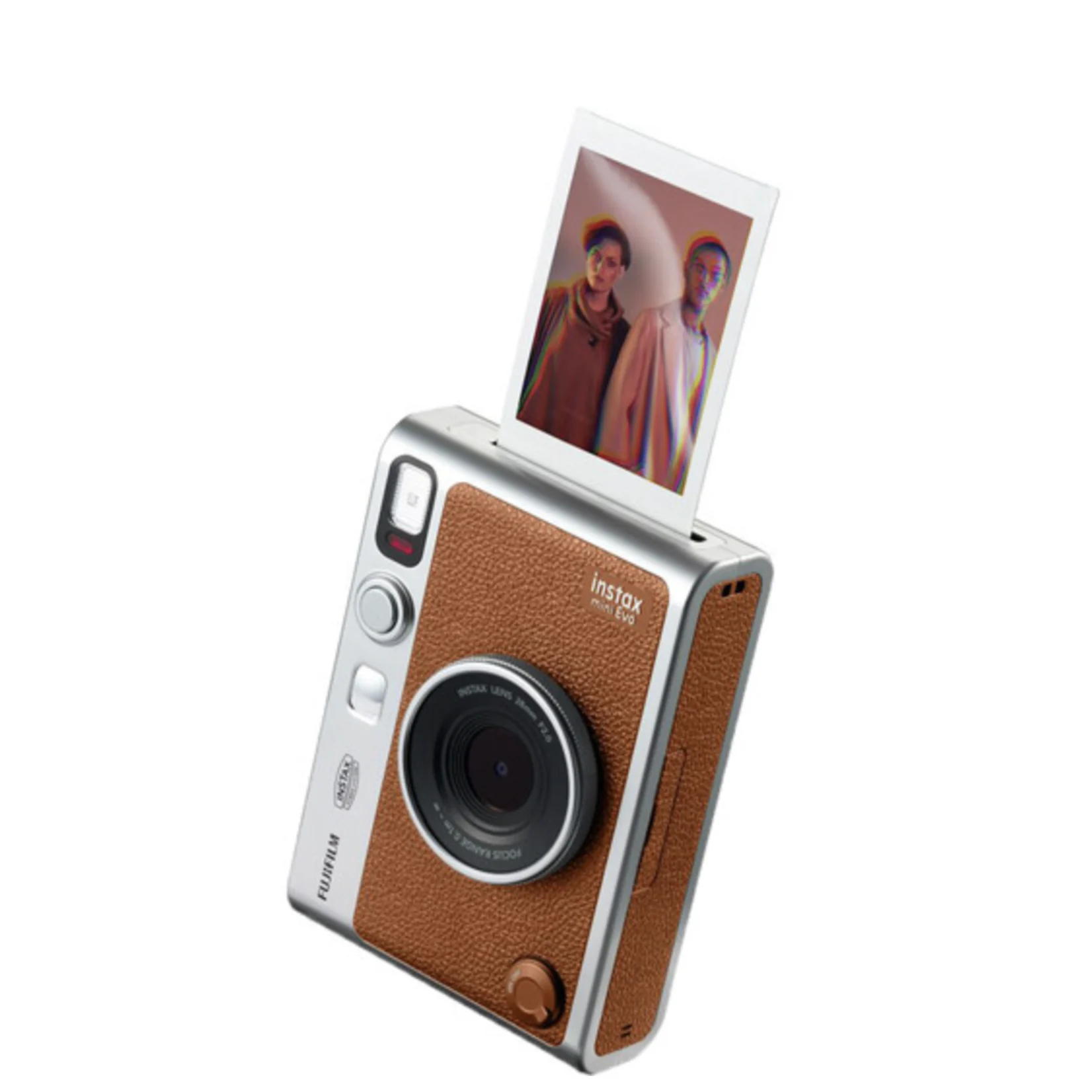
Fujifilm Instax Mini Evo
Functions as both a camera and a printer — print your digital photos directly onto Instax film, including fun borders and black-and-white styles. A nostalgic way to get physical prints into kids' hands the same afternoon.
Apple Photos folder structure.
📁 FAMILY MEMORIES├── PHOTOS│ ├── 2024│ │ ├── 01 — January│ │ ├── 02 — February│ │ ├── 03 — March│ │ ├── 04 — April│ │ ├── 05 — May│ │ ├── …│ │ └── 12 — December│ ├── 2025│ └── 2026├── VIDEOS│ ├── 2024│ ├── 2025│ └── 2026├── MILESTONES│ ├── Kids — First Year│ ├── Kids — Birthdays│ ├── Kids — School│ ├── Family Vacations│ └── Holidays├── PEOPLE│ ├── Kids│ ├── Spouse│ └── Family & Friends├── PRINT QUEUE│ └── Ready to Print└── DOCUMENTS├── Medical Records├── School Records├── Important Documents└── Digital Emergency Binder
Three principles
behind the structure.
You don't need a complicated system. You need one your sleep-deprived future self will actually use. These three principles are how this tree stays small even after a decade.
Time on the outside, people on the inside. Photos live in year/month folders. People-based albums (Kids, Spouse) are smart references that pull from those same files — never duplicates.
Milestones aren't months. Birthdays, first day of school, family trips — these get their own albums because in twenty years you'll search for the event, not the date.
The Print Queue is sacred. One folder, "Ready to Print." When you spot a shot worth printing, drop it in. Once a month or quarter, run the queue. This is the only way photos make it off the screen.
If you'd rather have someone build this system with you, book a free 15-minute call and let's figure out if a 1:1 session is right for you.
Book a Free 15-Min Fit Call →